Last Bridge Standing Guides & Walkthroughs
Master the 75-second build, solo stars, dailies, and Season upgrades.
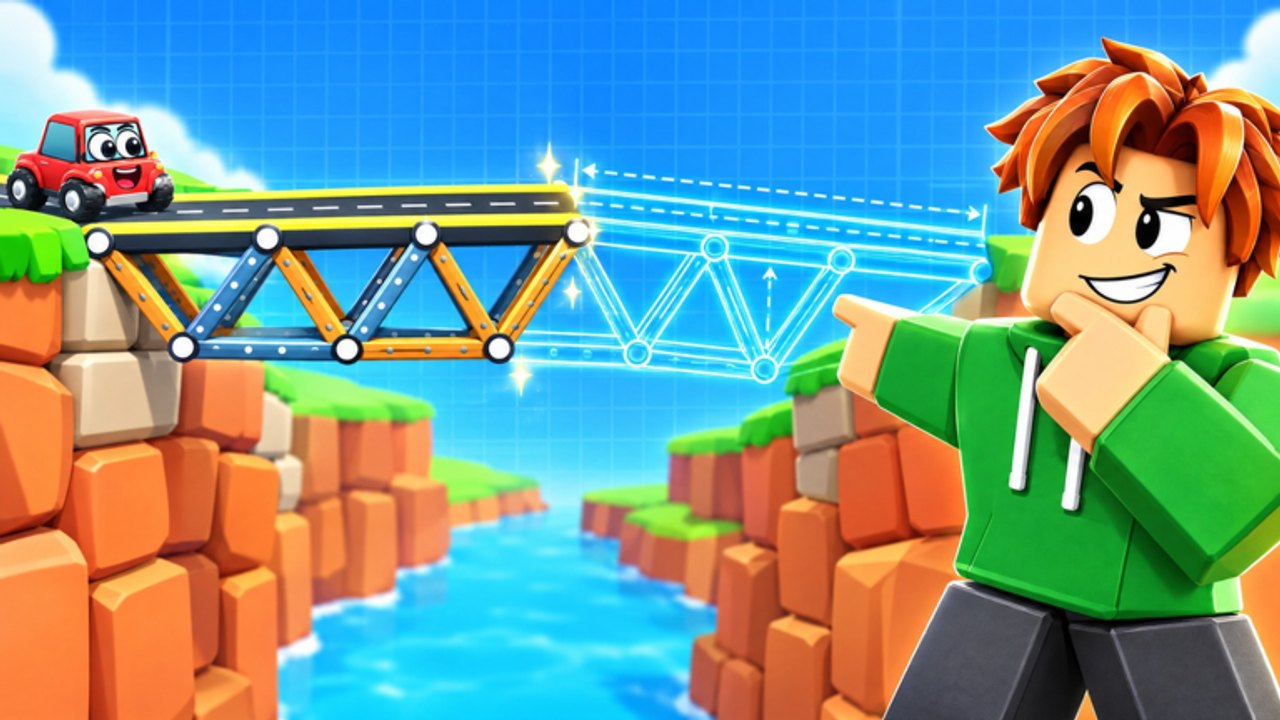
Welcome to the Last Bridge Standing guides hub—your map for learning Wobblegear’s physics bridge battler without wasting rounds. The multiplayer loop is short and brutal: gather a budget, place wood, steel, cable, and road in 75 seconds, then watch heavier toy trucks roll every span. The last bridge standing earns coins and XP. Separately, a 33-level solo campaign drops the timer so you can three-star each puzzle at your own pace.
Use this hub to jump into focused tutorials. New players should start with Getting Started, then skim Controls so PC and mobile inputs stop fighting you mid-build. When you are ready to compete, study Best Bridge Design and cross-check material ranks on the materials tier list.
Guide index
| Guide | Best for |
|---|---|
| Getting Started | First hour, loop basics, what to unlock |
| Best Bridge Design | Testing spans that survive heavy trucks |
| Campaign Solo | 33 levels, three-star tracking |
| Upgrades & Budget | Season Bigger Budget and money per bridge |
| Controls | Build UI tips for PC and touch |
| Daily Quests & Streak | Calendar habits, Chaos Hour weekend planning |
| Skins & Gifting | Cosmetics vs strength, server gift etiquette |
How the game systems connect
Multiplayer teaches pressure. Solo teaches precision. Season 1 Castle Quest (live through 7 December 2026) rewards consistent play with 30 tiers, including Bigger Budget upgrades that can stack toward +50% money per bridge. Worlds rotate flavor—Candy Canyon, Frosty Peaks, Volcano Valley—while weekend Chaos Hour injects UFO, dinosaur, and disco-bus mayhem. Daily streak/quests keep free progress moving between sweaty sessions. None of that replaces fundamentals: support your deck, respect weight, and leave a path the trucks can actually drive.
Pair guides with other hubs:
- Tier List hub for materials and build-style rankings
- Players hub for titles, leaderboard titles, and win strategies
- Tools hub for the printable-style bridge checklist
- Updates hub for Season 1, worlds / Chaos Hour, and the live November check
- Codes and Scripts for honest “none verified” status pages (still empty as of 16 Nov 2026)
Learning path we recommend
- Complete a few multiplayer rounds just to feel the timer—do not chase perfect art on day one.
- Clear early solo levels for coins without chaos pressure; aim for stars once structures stop collapsing at mid-span.
- Read design and materials pages, then re-enter multiplayer with a pre-flight checklist.
- Claim daily quests & streak every calendar day you can.
- Spend surplus on Bigger Budget before cosmetic flex—more money per bridge compounds every match; gift later via skins & gifting.
- During Chaos Hour weekends, prioritize redundancy over beauty; surprise props punish skinny decks.
Writing quality promise
Every guide on this wiki is rewritten for Last Bridge Standing’s real systems. We do not invent upgrade prices, fake promo codes, or exact Chaos Hour clock times. When a mechanic is approximate (like community like-goal titles at 3500 likes for Like Legend), we say so. Video embeds use real YouTube IDs only—selected guides each carry one mid-article clip.
Related quick links
Need a single match plan? Open win strategies, then run the bridge checklist before the trucks spawn. Hunting cosmetics or gifts? Start with skins & gifting. Chasing #1–#100 prestige? See leaderboard titles.
Explore the child pages above, then circle back here whenever a Season patch shifts the meta. The guides hub stays the table of contents for every serious builder on lastbridgestanding.wiki.
Frequently Asked Questions
Quick answers to the most common questions.
Which guide should I read first?
Start with Getting Started, then Controls. Move to Best Bridge Design and the materials tier list before sweating leaderboard play.
Do guides cover both multiplayer and solo?
Yes. Getting Started and design pages lean multiplayer; Campaign Solo covers the 33 untimed levels and three-star goals.
Where do Season upgrades, dailies, and gifting fit?
Read Upgrades & Budget for Bigger Budget, Daily Quests & Streak for calendar habits, Skins & Gifting for cosmetics etiquette, and the Season 1 Castle Quest page for the tier track.
Are YouTube videos included?
Selected guides embed one real gameplay or overview video mid-article. We never invent video IDs.
How do guides link to tier lists and tools?
Each tutorial cross-links materials, build styles, win strategies, and the bridge checklist so you can jump without hunting the nav.